
Best Security Camera System for Home in 2026
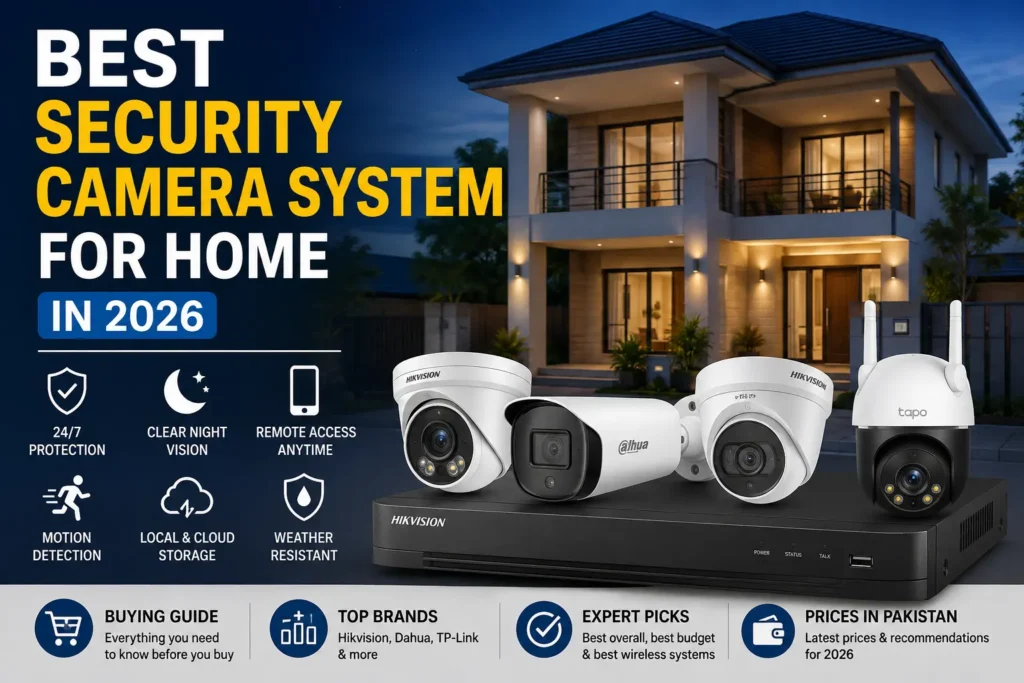
Choosing the best security camera system for home is not simply about buying the camera with the highest megapixel count. For a Pakistani home, the right system also needs reliable recording, good night vision, suitable storage, stable connectivity, protection against weather, and backup power for load shedding.
For most permanent home installations, a wired PoE camera system with an NVR, local hard-drive storage and UPS backup is the strongest overall choice. Wi-Fi cameras can be a better option when you want a simpler installation or cannot run Ethernet cables.
In this guide, we compare the main types of home CCTV systems, explain what specifications actually matter, and show what to consider before buying a security camera system in Pakistan.
What Is the Best Security Camera System for Home?
For most Pakistani homes, the best setup is a 4MP or higher IP camera system using PoE cameras, an NVR and a surveillance-grade hard drive. Add UPS backup if you want the cameras and recorder to continue working during power interruptions.
A wired PoE system is usually preferable for permanent security because one Ethernet cable can carry both data and power to compatible cameras. It also avoids many of the connectivity problems that can occur when several Wi-Fi cameras depend on a busy wireless network.
For smaller homes, apartments or locations where running cables is difficult, a Wi-Fi camera such as a TP-Link Tapo can be more convenient.
Best Security Camera Systems for Home in Pakistan
There isn’t one perfect camera system for every house. Your best choice depends on the size of the property, the areas you need to cover, your budget and whether you want continuous recording or occasional motion-based recording.
Best Overall: Hikvision PoE Camera System
Hikvision is one of the strongest choices for a traditional home CCTV installation in Pakistan, particularly when you want an NVR-based system with multiple cameras and 24/7 local recording.
A 4MP IP camera is a sensible starting point for many homes. Hikvision’s ColorVu range is also worth considering if color footage at night is important.
Current Pakistani listings show 4MP Hikvision ColorVu IP cameras around the Rs. 9,500–17,500 range depending on the model, while another 2026 Pakistan market guide places genuine 4MP ColorVu models around Rs. 14,000–20,000. Prices vary by model, seller and warranty.
Best for: homeowners who want a permanent, expandable CCTV system.
Look for:
- 4MP or 8MP IP cameras
- PoE connectivity
- Color night vision where required
- Human/vehicle detection on supported models
- Compatible Hikvision NVR
- Surveillance HDD
Best Alternative: Dahua PoE Camera System
Dahua is the main alternative I would compare with Hikvision when building a dedicated home CCTV system.
Its 4MP IP cameras are available in Pakistan with features such as H.265 video compression, WDR, motion detection, built-in microphones and PoE support.
For example, a current Dahua 4MP IP bullet listing provides 2560 × 1440 recording, H.265, up to 30m IR, a built-in microphone, PoE and IP67 protection at Rs. 12,500.
Dahua also offers 4MP cameras with built-in warm lighting for color footage at night. One current Pakistan listing is Rs. 15,500 and supports PoE, IP67 and up to 15m warm-light illumination.
Best for: buyers who want a Hikvision alternative with a broad IP-camera and NVR ecosystem.
Best Wireless Option: TP-Link Tapo
For someone who doesn’t want to run Ethernet cables throughout the house, Tapo’s outdoor Wi-Fi cameras can make installation considerably easier.
The Tapo C520WS, for example, is a 4MP 2K QHD outdoor pan/tilt camera with Starlight Color Night Vision, infrared night vision and IP66 weather resistance. Current Pakistan listings start around Rs. 12,999, although prices vary by retailer and configuration.
The trade-off is that a Wi-Fi camera depends on your wireless network. For several cameras recording continuously, I would generally prefer a properly designed wired PoE system.
Best for: apartments, small homes and installations where running network cables isn’t practical.
Best for a No-Monthly-Fee Setup: Local NVR
If you don’t want to pay a monthly cloud subscription, choose cameras that record locally to an NVR or compatible storage system.
The initial installation cost can be higher, but local recording gives you control over your footage and doesn’t require every recording to be uploaded to the internet.
For a permanent home CCTV installation, this is generally the approach I would recommend.
Best Security Camera System Comparison
| System | Connection | Typical Storage | Best For | Main Advantage |
|---|---|---|---|---|
| Hikvision IP + NVR | PoE | NVR HDD | Most permanent installations | Reliable expandable system |
| Dahua IP + NVR | PoE | NVR HDD | Hikvision alternative | Strong IP-camera ecosystem |
| TP-Link Tapo | Wi-Fi/Ethernet | microSD/cloud/NVR depending on model | Easy installation | Simple setup |
| DVR + Analog HD | Coaxial | DVR HDD | Lower-cost upgrades | Existing coaxial wiring |
| Wi-Fi multi-camera setup | Wi-Fi | SD/cloud/NVR depending on system | Apartments/small homes | Minimal cabling |
Wired vs Wireless Security Cameras
This is one of the most important decisions you will make.
Wired/PoE Security Cameras
PoE stands for Power over Ethernet. A compatible Ethernet cable carries both network data and electrical power between the camera and the PoE switch or PoE NVR.
For a new house installation, this is usually my preferred architecture.
Advantages:
- Stable connection
- Suitable for 24/7 recording
- No camera battery charging
- Less dependence on Wi-Fi
- Easier to expand into a proper CCTV system
- One Ethernet cable can provide data and power
The main disadvantage is installation. You need to plan cable routes before mounting the cameras.
Wireless Wi-Fi Cameras
Wi-Fi cameras are easier to install because you don’t need an Ethernet connection to every camera.
However, the camera still needs electrical power unless it is battery powered. Your Wi-Fi signal also needs to be strong and stable at every camera location.
A single Wi-Fi camera at the front door is very different from eight Wi-Fi cameras continuously recording around a large house.
Which One Should You Choose?
Choose PoE if:
- You are building a permanent CCTV system
- You want 24/7 recording
- You need 4–8 cameras
- You are renovating or building a house
- Reliability is more important than installation convenience
Choose Wi-Fi if:
- You only need one or two cameras
- You live in an apartment
- Running Ethernet is difficult
- You want a quick DIY installation
How Many Security Cameras Do You Need?
The number of cameras should be based on coverage rather than the size of the house alone.
A small house may need four carefully positioned cameras, while a larger property may need eight or more.
5 Marla House
A practical starting point is around four cameras:
- Main gate
- Front entrance/driveway
- Back entrance
- Side passage or parking area
You may need additional cameras if the property has multiple entrances, a large garage or a long side passage.
10 Marla House
Consider around six cameras, depending on the layout.
A typical setup could cover:
- Main gate
- Front door
- Driveway
- Back gate
- Side passage
- Garage/parking
1 Kanal House
A larger property may require eight or more cameras.
Don’t automatically buy eight identical wide-angle cameras. Different locations may require different focal lengths and viewing angles.
Large House or Property
For larger properties, create a coverage map first.
Mark:
- Entry points
- Vehicle access
- Pedestrian access
- Blind corners
- Side passages
- Outdoor storage
- Garage
- Roof access
- Backyard
Then choose camera positions based on what each camera needs to identify.
Where Should You Install Security Cameras?
Good camera placement can matter more than buying a more expensive camera.
Main Gate
The main gate should normally be one of the first areas you cover.
Position the camera so it can capture people and vehicles entering the property without pointing directly into strong sunlight.
Front Door and Driveway
A camera covering the front entrance can help identify visitors while another camera can cover the driveway or vehicle area.
If identification is important, avoid mounting the camera so high that faces become difficult to see.
Back Gate
The back entrance is another important coverage point because it can otherwise become a blind spot.
Side Passage
Long side passages may require a narrower field of view or an appropriate focal length rather than simply using the widest lens available.
Garage and Parking Area
For vehicles, consider camera placement carefully. A very wide view may show the entire parking area but make license plates or faces too small to identify.
Indoor Areas
Indoor cameras are usually most useful at important access points rather than every room.
Avoid placing cameras where they unnecessarily record private areas.
What to Look for in a Home Security Camera
Resolution: 2MP vs 4MP vs 8MP
Higher resolution gives you more image detail, but megapixels alone do not determine image quality.
For many home installations, 4MP is a strong balance between image detail, storage requirements and cost.
8MP/4K can make sense when you need more detail over a wider scene, but it also increases storage and bandwidth requirements.
A 2026 Pakistan market guide places genuine Hikvision 4MP IP cameras around Rs. 10,000–16,000, with ColorVu models generally costing more.
Night Vision
Don’t judge a camera’s night performance only by its advertised IR distance.
Look for:
- IR illumination
- Sensor size
- Aperture
- WDR
- Low-light performance
- White-light/color night vision
- Real-world image examples
A camera that produces a bright but blurry image isn’t necessarily better than one with a shorter advertised range but clearer identification.
Color Night Vision
Color night vision can be useful around gates and entrances where identifying clothing, vehicles or other details matters.
However, color cameras often use visible or supplemental lighting in very dark conditions, so check the actual camera specification before assuming it will produce full-color footage in complete darkness.
AI Human and Vehicle Detection
Basic motion detection can trigger alerts whenever something moves.
AI-based detection can be more useful because supported systems can distinguish between categories such as humans and vehicles.
This can reduce unnecessary notifications from:
- Trees
- Shadows
- Insects
- Small animals
- Changing light
The exact detection features depend on the camera and NVR.
Field of View
A wide field of view is useful for open areas, but it isn’t automatically better.
For a narrow entrance or side passage, a more appropriate focal length can provide better identification.
Weather Resistance
Outdoor cameras should have suitable weather protection.
For example, current Dahua 4MP IP camera listings include IP67 protection. The TP-Link Tapo C520WS is listed with IP66 weather resistance.
Two-Way Audio
A built-in microphone and speaker can be useful for:
- Talking to visitors
- Delivery drivers
- Checking activity at the gate
But audio quality varies significantly between models.
Remote Viewing
Most modern systems provide smartphone access.
Before buying, check:
- Mobile app quality
- Remote playback
- Push notifications
- Multiple-user access
- Two-factor authentication where available
- Firmware support
NVR vs DVR vs Cloud Storage
NVR
An NVR, or Network Video Recorder, is designed for IP cameras.
For a new PoE installation, an NVR is usually the system I would choose.
The recorder should have enough channels for your current cameras plus some room for expansion. For example, an eight-channel NVR can make more sense than a four-channel unit if you expect to add cameras later.
Hikvision’s Pakistan NVR range includes 4-, 8-, 16- and 32-channel configurations with different PoE, storage and processing capabilities.
DVR
A DVR is generally used with traditional analog HD cameras over coaxial cable.
It can still make sense when upgrading an existing installation where coaxial cabling is already available.
For a completely new installation, I would normally compare an IP/PoE system before choosing an analog system.
Cloud Storage
Cloud storage can make remote access and off-site backup convenient.
The disadvantage is ongoing subscription cost and dependence on internet connectivity for cloud-based features.
For a Pakistani home where the goal is reliable local recording, an NVR with an internal surveillance HDD is often the more practical foundation.
How Much Storage Do Security Cameras Need?
Storage requirements depend on:
- Number of cameras
- Resolution
- Frame rate
- Compression
- Bitrate
- Continuous vs motion recording
- Desired retention period
A four-camera system recording continuously at higher quality can consume substantially more storage than four cameras recording only when motion is detected.
Don’t choose the HDD before choosing the cameras and recording settings.
For a typical installation, discuss your required retention period with the installer:
7 days? 14 days? 30 days?
Then calculate storage around that target.
Also use a surveillance-rated hard drive rather than treating a normal desktop HDD as the default choice for continuous recording.
Will CCTV Cameras Work During Load Shedding?
This is particularly important in Pakistan.
Your CCTV system has several separate power dependencies:
Cameras → PoE switch/NVR → Router → Internet
If electricity fails, the cameras and recorder can stop unless you provide backup power.
A UPS can keep the critical equipment running during an outage.
What Happens When Internet Goes Down?
A properly configured local NVR system can continue recording even when your internet connection stops.
You may lose remote access from your phone while the internet is unavailable, but local recording can continue.
This is one reason I prefer local NVR storage for a permanent CCTV system.
What Happens When Electricity Goes Down?
Without backup power, cameras and recorders eventually shut down.
For better resilience, connect the critical CCTV equipment to a suitable UPS:
- NVR
- PoE switch if separate
- Router
- ONT/modem if remote access is important
The required UPS capacity depends on the actual power consumption and how long you want the system to operate.
CCTV UPS and Backup Power
Don’t calculate UPS capacity based only on the NVR.
If your cameras receive power from a PoE NVR, the NVR’s PoE budget is also supplying the cameras.
A better installation calculates the combined load and desired backup runtime.
Hikvision vs Dahua for Home Security
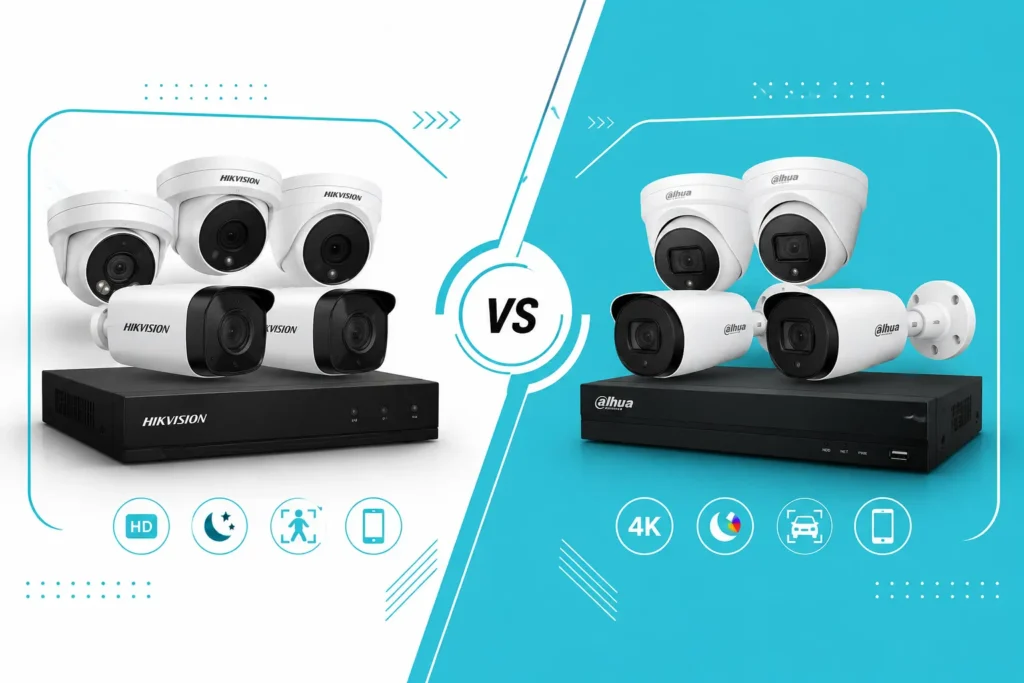
Hikvision and Dahua are both strong choices for a dedicated home CCTV system.
Video Quality
Both brands offer cameras ranging from entry-level models to high-resolution and low-light systems.
Don’t compare brands only by megapixels. Compare the actual camera models.
Night Vision
Both offer conventional IR cameras and models designed for improved color night performance.
Hikvision’s ColorVu line is particularly relevant when low-light color footage is a priority.
AI Features
Higher-end cameras and recorders can provide features such as:
- Human detection
- Vehicle detection
- Intrusion detection
- Line crossing
- Face-related functions on supported equipment
Always verify that the camera and NVR support the feature together.
Mobile Apps
Both ecosystems provide remote monitoring options, but app experience can vary by device generation and firmware.
Price and Availability in Pakistan
Both brands have established availability in Pakistan.
Current Pakistan listings show Hikvision 4MP ColorVu models from roughly Rs. 9,500 to Rs. 17,543 depending on model, while current Dahua 4MP IP camera examples are listed around Rs. 12,500–15,500.
These are camera-only prices. A complete CCTV system will also need an NVR, HDD, cabling, power equipment, mounting accessories and potentially installation.
Which Should You Buy?
If you already have a trusted installer or supplier who specializes in one ecosystem, staying within that ecosystem can simplify installation and troubleshooting.
If you are starting from scratch, compare specific camera + NVR combinations rather than deciding that one brand is automatically better.
How Much Does a Home CCTV System Cost in Pakistan?
The total price depends heavily on the number of cameras, resolution, NVR, storage and installation.
A realistic budget should include:
- Cameras
- NVR/DVR
- HDD
- PoE switch if required
- Ethernet/coaxial cable
- Connectors
- Junction boxes
- UPS
- Installation labor
- Configuration
For example, current Pakistan listings put individual 4MP Hikvision and Dahua IP cameras roughly in the low-to-mid five-figure range depending on model and features.
That means a complete four-camera IP system should not be priced simply by multiplying the camera price by four.
Always ask for an itemized quotation.
That makes it much easier to compare two installers.
Common Security Camera Buying Mistakes
Buying Only Based on Megapixels
An 8MP camera isn’t automatically better in every situation.
Sensor quality, lens selection, lighting and image processing matter.
Choosing Wi-Fi for a Large Installation
Four or eight Wi-Fi cameras may create unnecessary network complexity.
If you’re installing cameras permanently, PoE deserves serious consideration.
Ignoring Night Performance
A camera that looks excellent during daylight may produce poor identification at night.
Night footage should be one of the first things you evaluate.
Buying an Undersized HDD
More cameras and higher resolution mean more storage requirements.
Decide how many days of footage you need before selecting the hard drive.
Forgetting UPS Backup
A CCTV system without power backup may be useless during the exact period when you need it most.
Poor Camera Placement
Expensive cameras cannot compensate for a bad viewing angle.
Plan the coverage before drilling holes.
Buying Unbranded Cameras
Extremely cheap cameras may look attractive initially, but firmware support, app reliability, image quality and warranty can become problems later.
Putting Cameras Too High
Mounting cameras extremely high may protect them from tampering but can make faces difficult to identify.
Security is about both coverage and identification.
Pointing Cameras Directly Toward Bright Lights
Strong headlights, direct sunlight and other bright sources can reduce image quality.
Test the camera angle at different times of day.
Our Verdict: Which System Should You Buy?
For most Pakistani homeowners installing CCTV from scratch, I would start with a 4MP PoE IP camera system + NVR + surveillance HDD + UPS.
Choose Hikvision or Dahua if you want a traditional multi-camera system designed for permanent recording.
Choose a Wi-Fi camera such as the Tapo C520WS if you need a simpler installation and don’t require a large dedicated NVR system. The C520WS currently starts around Rs. 12,999 in Pakistan, depending on the retailer.
Best Overall
Hikvision 4MP PoE + NVR
Best balance for a permanent home CCTV installation.
Best Alternative
Dahua 4MP PoE + NVR
A strong alternative with good IP-camera options.
Best Wireless
TP-Link Tapo
Better suited to smaller installations where running Ethernet is difficult.
Best for Large Homes
8-channel or larger PoE NVR + 4MP/8MP IP cameras
Leave spare NVR channels so you can add cameras later.
Best for Load Shedding
PoE NVR + surveillance HDD + UPS
Keep the NVR, networking equipment and camera power backed up according to your required runtime.
Frequently Asked Questions
What is the best security camera system for home?
For most Pakistani homes, a 4MP or higher PoE IP camera system with an NVR, local surveillance HDD and UPS backup is the best overall setup. Hikvision and Dahua are strong choices for permanent installations.
Is Hikvision better than Dahua?
Neither brand is automatically better for every installation. Compare the specific camera, sensor, night-vision technology, AI features, NVR compatibility, warranty and price.
Are wired cameras better than wireless?
For a permanent multi-camera installation, wired PoE cameras are generally preferable because they provide a stable connection and don’t depend on Wi-Fi for camera networking.
Do CCTV cameras work without internet?
Yes. A local NVR system can continue recording without an internet connection. However, remote viewing and cloud-based features may stop working until the internet connection returns.
How many cameras do I need for a house?
Many homes can start with four cameras covering the main entrance, driveway, rear entrance and a side passage. Larger properties may need six, eight or more cameras depending on their layout.
How much does CCTV cost in Pakistan?
The price varies considerably depending on camera count, resolution, recorder, HDD, cabling, UPS and installation. Current individual 4MP IP camera listings from Hikvision and Dahua are commonly in the roughly Rs. 10,000–20,000 range, but a complete system costs considerably more.
How much storage does CCTV need?
Storage depends on camera count, resolution, bitrate, frame rate and recording mode. Continuous recording requires significantly more storage than motion-based recording.
Does CCTV work during load shedding?
It can, provided the cameras and recording equipment have suitable backup power. A UPS should be sized for the NVR, PoE equipment and networking devices according to the required backup time.
Final Recommendation
The best security camera system for home isn’t necessarily the most expensive camera package.
For a typical Pakistani homeowner, I would prioritize the system in this order:
- Correct camera placement
- Reliable PoE connectivity
- Good night performance
- 4MP or higher resolution
- Human/vehicle detection where useful
- Adequate NVR storage
- UPS backup
- Reliable local warranty and support
A properly planned 4MP PoE system can be a better investment than a collection of expensive cameras that are poorly positioned, connected through unreliable Wi-Fi or backed by insufficient storage.
Before buying, ask the seller or installer for the exact camera model, NVR model, HDD capacity, PoE specification, warranty, installation cost and expected recording duration. That itemized information makes a CCTV quotation much easier to compare.